Instagram Reels safe zone checker
Instagram covers the top 14%, the bottom 35% and 6% on each side of a Reel. Drop a video to see what it hides, then add captions that stay clear.
- Free, no sign-up
- Video stays private
- Reels, Stories, TikTok and Shorts
Instagram Reels safe zone size
Keep text and faces inside the middle of a 1080 × 1920 Reel: 14% clear at the top, 35% at the bottom and 6% on each side, plus the buttons low on the right.
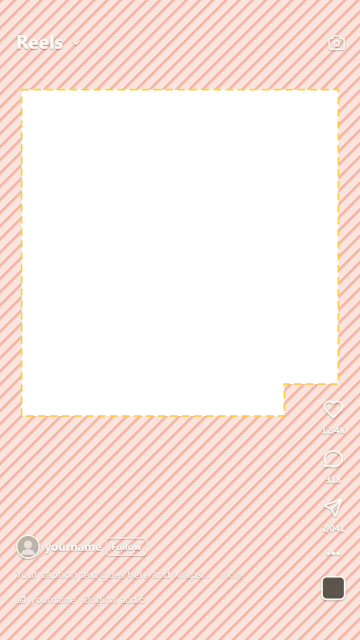
| Area | Size at 1080 × 1920 | What covers it |
|---|---|---|
| Top | 269 px · 14% | Profile photo, name, “Sponsored” on ads |
| Bottom | 672 px · 35% | Name, caption, audio, button on ads |
| Left and right | 65 px · 6% each | Screen edges |
| Buttons | 227 px wide, lower 40% | Like, comment, share, audio |
Checked Oct 2026 · Sources
Top, bottom and sides: Instagram’s ad spec for Reels and Stories, which covers a little more than a normal Reel, so it’s safe for both. Buttons: from the same spec’s diagram.
Instagram Stories safe zone
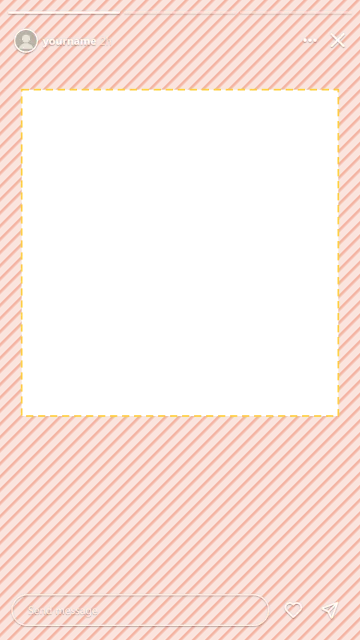
The same as Reels: keep text 269 px (14%) from the top, 672 px (35%) from the bottom and 65 px (6%) from each side of a 1080 × 1920 Story. There are no buttons on the right.
- Top
- Progress bar, profile, close
- Bottom
- Send message, like, share
- Left and right
- Screen edges
Free safe zone templates (PNG overlays)
Download a transparent 1080 × 1920 PNG and lay it over your video in CapCut, Premiere or Canva.
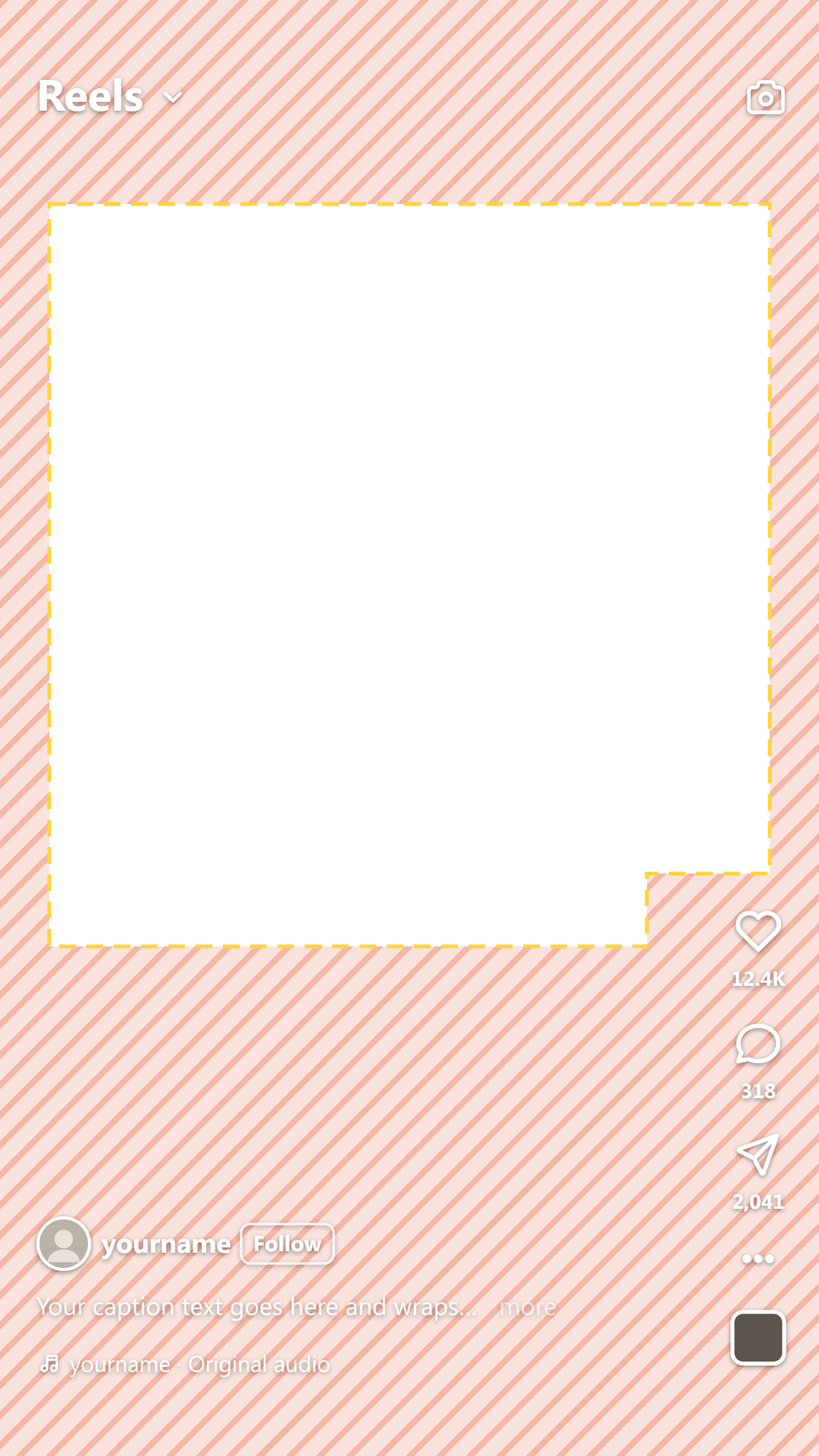 Instagram Reels
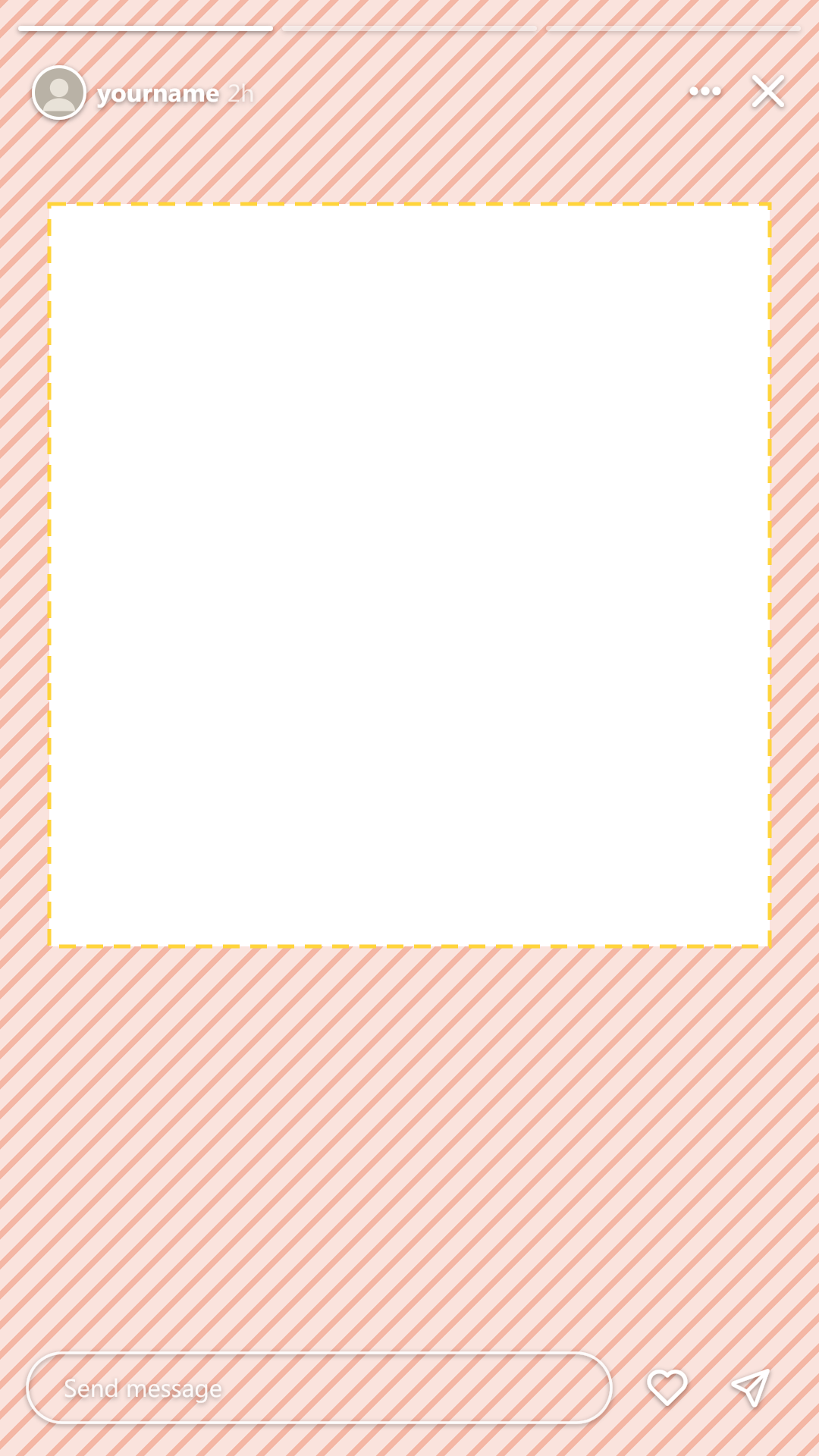 Instagram Stories
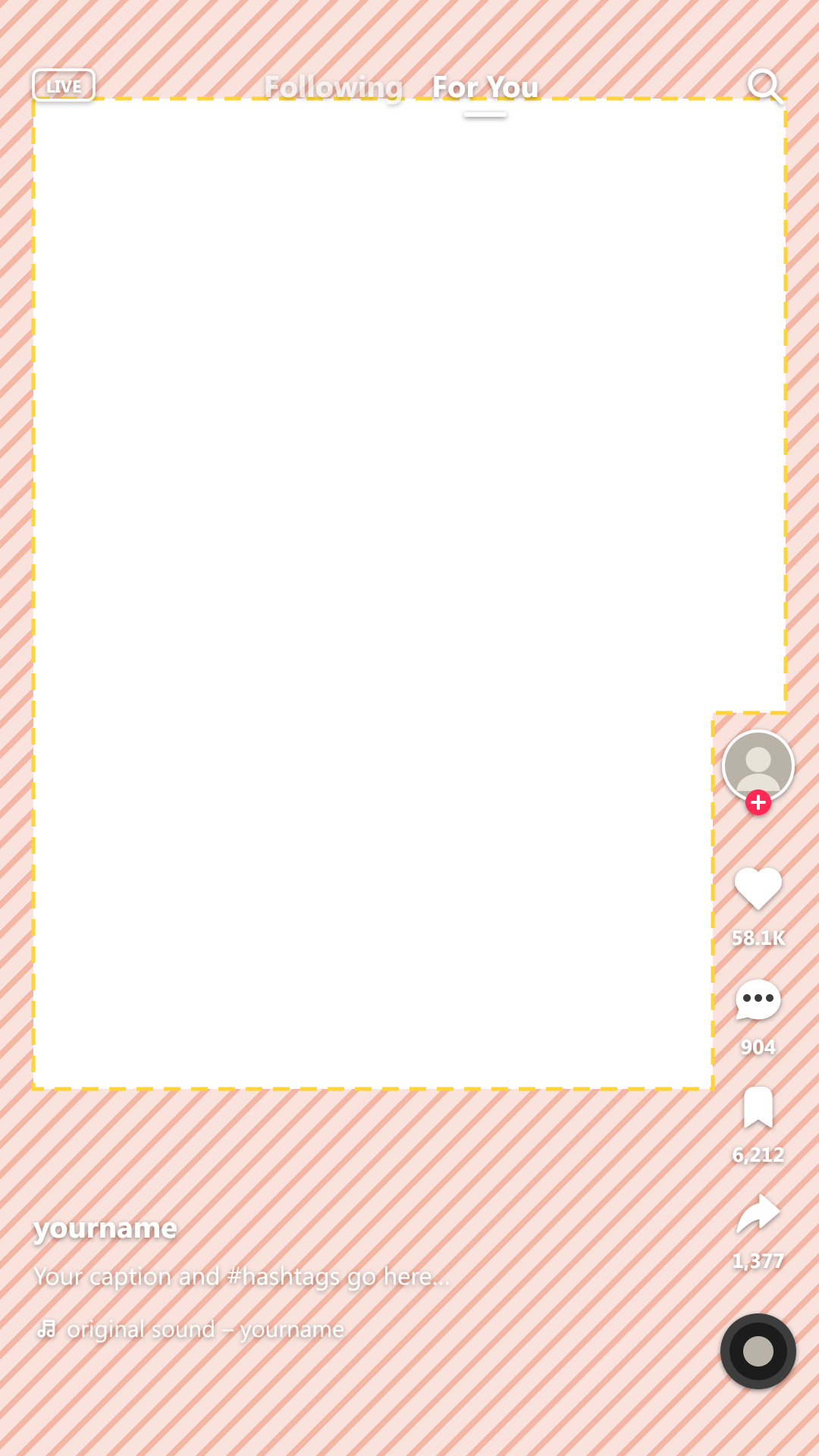 TikTok
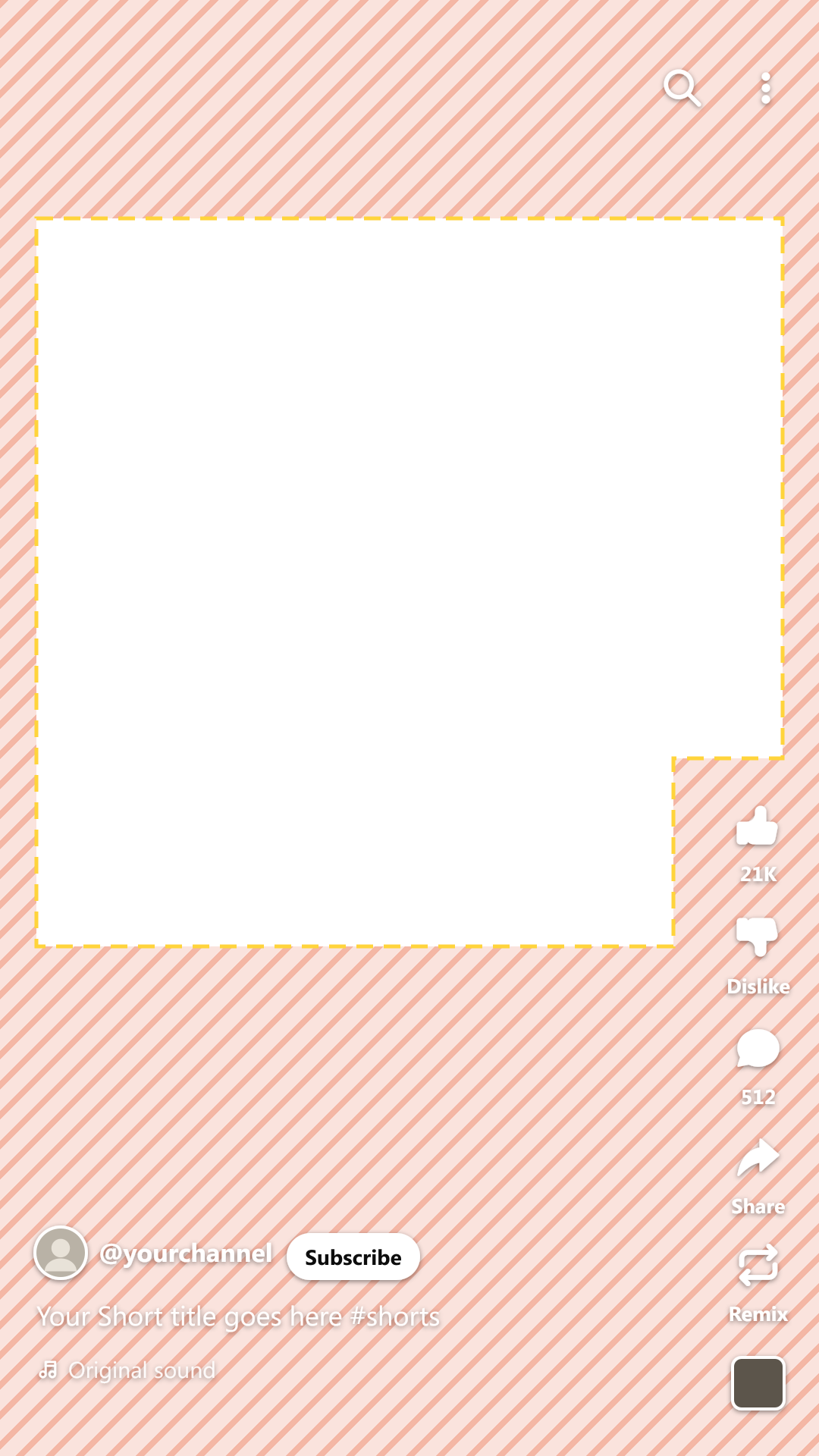 YouTube Shorts
 Reels, TikTok and Shorts
Where to put captions on Reels
Just above the bottom third: the last line should end at 65% of the height or higher, away from the buttons on the right.
- End above the bottom thirdThe last line ends at 65% of the height (1248 px) or higher.
- Keep lines shortTwo lines of about 24 characters each read best.
- Mind the buttonsLow on the screen, keep long lines left of the like and share buttons.
- Leave faces freePut captions between the face and the bottom third.
Our AI caption generator puts them there for you.
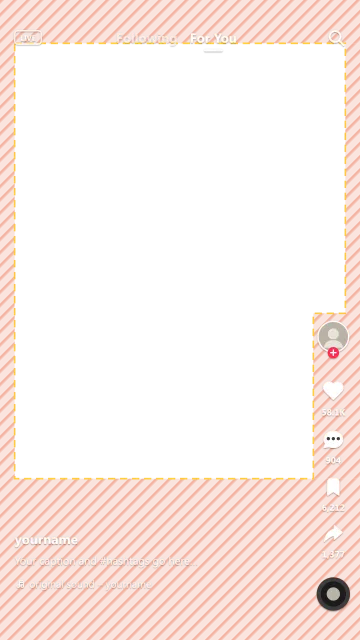
TikTok safe zone
Keep text 130 px from the top, 484 px from the bottom and 44 px from each side. In the lower half, stay 140 px from the right for the buttons.
- Top
- Following / For You, search
- Bottom
- Username, caption, sound
- Right, lower half
- Profile, like, comment, save, share
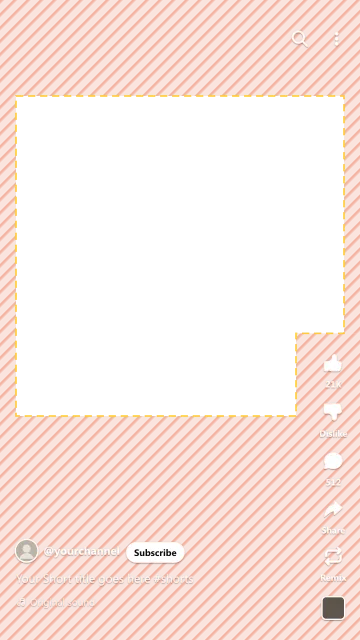
YouTube Shorts safe zone
Keep text 288 px from the top, 672 px from the bottom and 48 px from each side. In the lower half, stay 192 px from the right for the buttons.
- Top
- Search, menu
- Bottom
- Channel, Subscribe, title, sound
- Right, lower half
- Like, dislike, comment, share, remix
One video for Reels, TikTok and Shorts
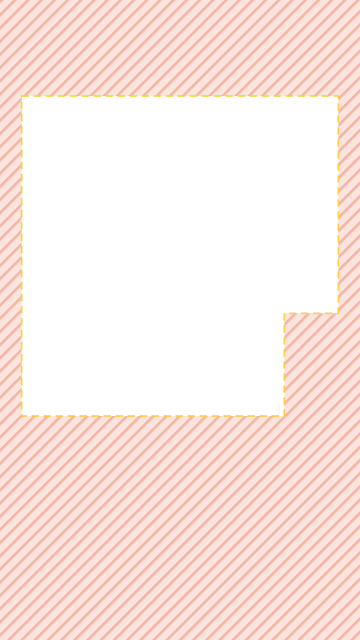
Keep text 288 px from the top, 672 px from the bottom and 65 px from each side. In the lower half, stay 227 px from the right. That spot is clear on all three apps.
How your Reel looks on the profile grid
The grid shows the middle 1080 × 1440 of a Reel (3:4). The top and bottom 240 px are cut off, so keep a cover’s title near the middle.
How to check a Reel
- 1DropDrop your video in the box above.
- 2CheckPick Reels, TikTok or Shorts and look at the striped areas.
- 3FixClick “Add captions in the safe zone” for that video, or download the PNG overlay.
Frequently asked questions
What is the Instagram Reels safe zone?
The part of the screen Instagram never covers: everything except the top 14%, the bottom 35%, 6% on each side, and the like and share buttons low on the right of a 1080 × 1920 Reel.
Is my video uploaded?
No. The checker plays your video in your browser, so it never leaves your device. Only if you add captions is the audio sent to make them, and we don’t keep it.
Is the Instagram Stories safe zone the same as Reels?
Yes. Stories keep the same 14% clear at the top, 35% at the bottom and 6% on each side, without the buttons on the right.
What size should a Reel be?
1080 × 1920 pixels, 9:16. Keep text inside the safe zone so nothing hides under the buttons.
Why are my captions hidden on Reels?
They sit in the bottom third, under the name and caption. Move them up so the last line ends at 65% of the height or higher.
Does it work for Stories, TikTok and YouTube Shorts?
Yes. Switch to Stories, TikTok or Shorts next to the phone to see what each app covers.
Can I download a safe zone template or overlay?
Yes. Download a free 1080 × 1920 transparent PNG for Reels, Stories, TikTok or Shorts from the templates above, and put it on top of your video in CapCut, Premiere or Canva.
Is it free?
Yes. The checker and the templates are free with no sign-up. Adding captions is free for videos up to 3 minutes with a free account.
Captions that never hide under the buttons
Check your video, then add captions in the safe zone. Free for videos up to 3 minutes.